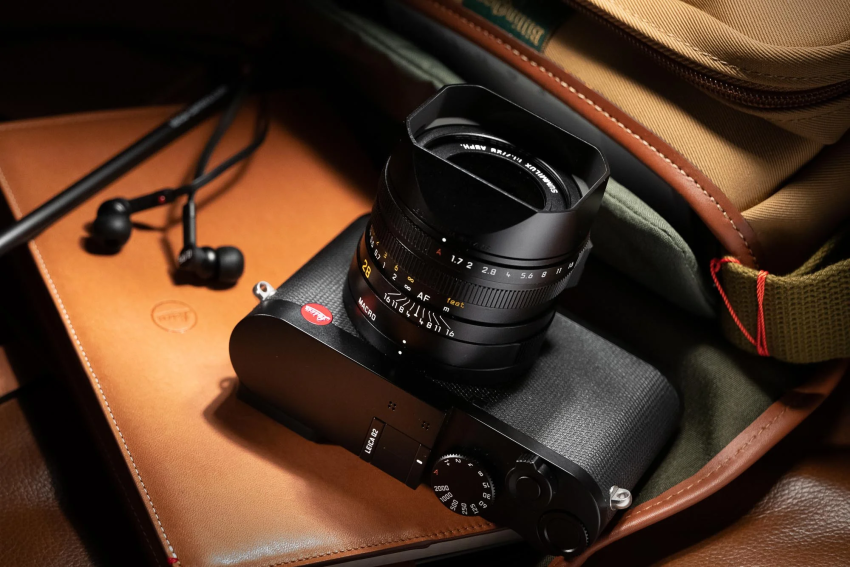
When you first receive a new camera, one of the most important things to learn is how to handle the battery correctly. Many new owners of the Leica Q2 are excited to start shooting immediately, but they may feel unsure about removing the battery safely for charging, storage, or replacement. Even long-time users sometimes experience difficulty when the battery feels tight, does not release smoothly, or when they worry about damaging the battery compartment. Because the Leica Q2 is a premium camera with a carefully designed body, proper battery handling is essential for protecting both the camera and the battery over time. Learning the correct method can help prevent accidental drops, scratches, connection issues, or unnecessary wear. This guide will walk you through each step clearly and safely so you can remove your leica q2 battery with confidence, whether you are using the camera for the first time or after years of regular photography.
Step 1: Turn Off the Camera Completely
Before removing the battery, make sure the camera is powered off. Locate the power switch on the top of the camera and switch it to the OFF position.
This is important because removing a battery while the camera is still operating may interrupt internal processes and could potentially affect system performance or stored image data.
Wait a few seconds after turning the camera off before continuing.
Step 2: Place the Camera on a Stable Surface
Set the camera on a clean and soft surface such as a microfiber cloth, camera bag, or desk mat. This helps prevent scratches to the bottom plate and lens area.
Avoid holding the camera with one hand while trying to remove the leica q2 battery, especially if you are unfamiliar with the battery release mechanism.
A stable surface gives you better control and reduces the chance of dropping the battery.
Step 3: Locate the Battery Compartment Release
Turn the camera upside down carefully. On the bottom of the Leica Q2, you will see the battery compartment locking mechanism.
Slide or rotate the release latch gently according to the marked direction. Do not use excessive force. The battery door system on the Leica Q2 is designed to operate smoothly when handled correctly.
If the latch feels stiff, check that your fingers are positioned properly and try again slowly.
Step 4: Press the Battery Release Mechanism
Once the compartment is unlocked, lightly press the battery inward. The battery release mechanism should activate and partially eject the battery outward.
At this stage, the battery should move slightly toward you. If it does not release immediately, avoid using metal tools or sharp objects to pry it out.
Instead, press gently once more until the locking catch disengages.
Step 5: Carefully Pull Out the Battery
Hold the exposed section of the battery with your fingers and slowly pull it out in a straight direction.
Do not twist or bend the battery while removing it. Pulling at an angle could place unnecessary pressure on the contacts inside the camera.
If your hands are slippery, dry them first before handling the leica q2 battery to avoid accidental drops.
Step 6: Inspect the Battery and Contacts
After removing the battery, take a quick look at the battery contacts and the inside of the compartment.
Check for:
- Dust
- Moisture
- Dirt buildup
- Bent connectors
If needed, use a clean dry air blower or soft cloth to gently clean the area. Never use water or harsh cleaning chemicals inside the battery compartment.
Keeping the battery area clean can improve long-term reliability and charging performance.
Step 7: Store or Recharge the Battery Properly
If you are not immediately reinstalling the battery, store it in a cool and dry place away from direct sunlight or extreme heat.
For long-term storage:
- Keep the battery partially charged instead of fully empty
- Avoid humid environments
- Use the original charger whenever possible
Proper battery care can help extend the lifespan of your leica q2 battery and maintain stable camera performance over time.
Common Mistakes to Avoid
Many users accidentally create problems by making small handling mistakes. Here are several things you should avoid:
- Do not force the battery out if it feels stuck
- Do not remove the battery while the camera is writing files
- Do not touch battery contacts with wet hands
- Do not use damaged or swollen batteries
- Do not leave the battery in extremely hot locations such as inside a car
Following these precautions can help protect your Leica Q2 for years of reliable use.
Removing the battery from a Leica Q2 is simple once you understand the correct process. By following these careful steps, you can safely remove, inspect, recharge, and reinstall the battery without damaging the camera or battery compartment. Whether you are a first-time owner or an experienced photographer, good battery handling habits are an important part of maintaining your camera in excellent condition. With proper care and attention, your Leica Q2 can continue delivering outstanding performance and dependable shooting experiences for many years.