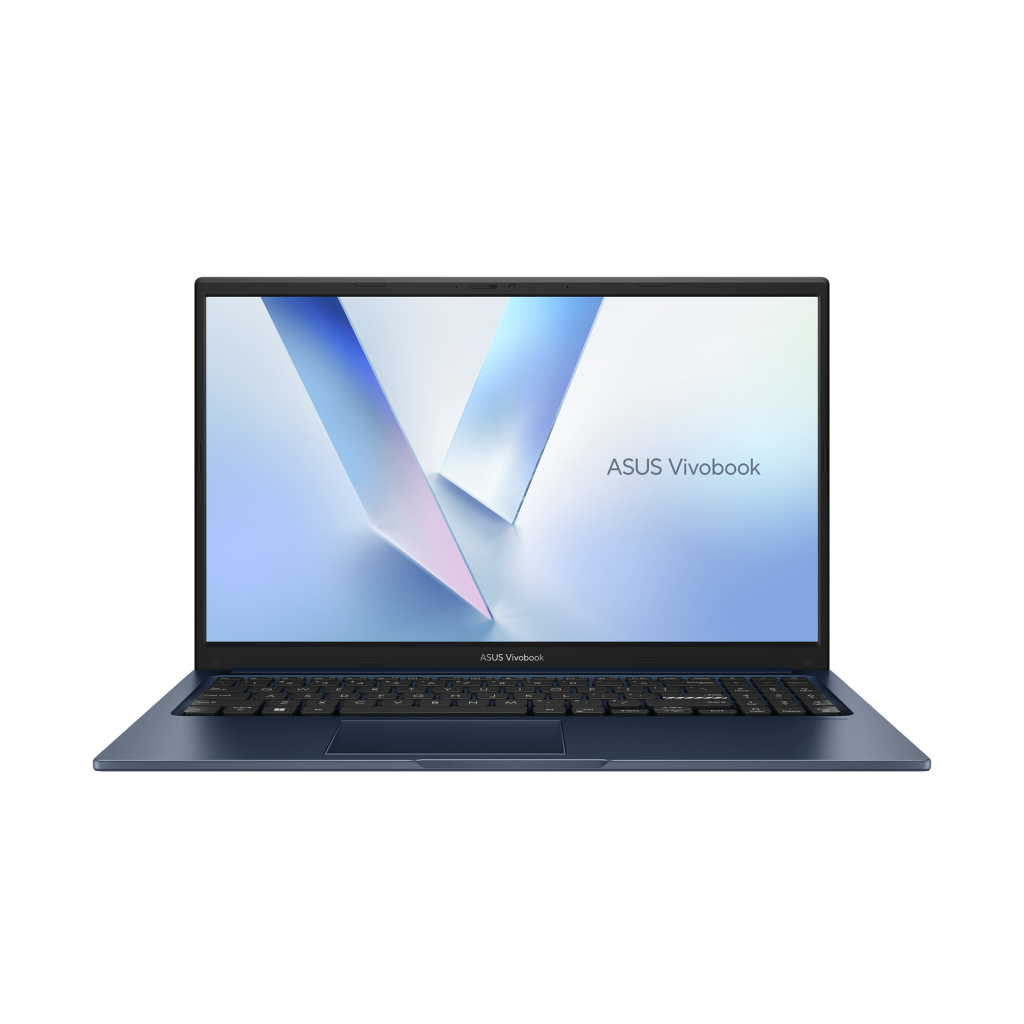
Understanding ASUS Notebook PC Battery Technology
Modern laptops heavily rely on their battery performance, and ASUS devices are no exception. The ASUS notebook PC battery is designed to provide long-lasting energy for both work and entertainment, but understanding its unique features can help users maximize efficiency. Whether you’re running intensive software or simply browsing the web, knowing how your ASUS battery functions can prevent unexpected shutdowns and extend its overall lifespan.
The Role of ASUS Battery Health Charging
To maintain optimal battery performance, ASUS provides a tool known as ASUS battery health charging. This feature allows your laptop to regulate charging patterns, avoiding overcharging and minimizing wear over time. Many users in the Philippines find it helpful, especially for those who keep their laptops plugged in for extended periods. Ensuring this function is enabled can lead to a healthier battery that lasts longer than average.
Dealing with ASUS Battery Not Charging After 80
A common concern among ASUS users is when the ASUS battery not charging after 80 percent. This is often related to built-in battery care mechanisms designed to prevent overheating and preserve battery life. While this behavior may initially worry users, it’s generally a safety measure. Adjusting settings in battery care mode or consulting support resources can resolve such issues and provide a clearer understanding of battery limits.
Troubleshooting ASUS Battery Care Mode Not Working
Some users encounter scenarios where the ASUS battery care mode not working properly. This can happen due to outdated drivers, software conflicts, or system updates. Downloading the latest utilities and firmware updates can often restore functionality. Ensuring that your laptop software is current will help maintain smooth operation and extend battery longevity.
Exploring the ASUS TUF Battery Limit
Gamers and high-performance users often notice the ASUS TUF battery limit feature. This system allows the laptop to restrict maximum charging capacity, protecting the battery during intensive use. While this may limit full charge, it significantly reduces the risk of overheating and prolongs battery health, which is particularly useful in tropical climates like the Philippines.
Options for ASUS Battery Replacement
When a battery has significantly degraded, considering an ASUS battery replacement might be necessary. Understanding the lifespan of your battery and identifying warning signs like rapid discharge or system shutdowns can help determine the right time for a replacement. This ensures your laptop continues to perform reliably without interruptions.
Utilizing ASUS Battery Health Charging Download
For users looking to optimize their battery experience, the ASUS battery health charging download provides access to the latest software tools. These applications offer control over charging modes, battery limits, and overall management, making it easier to maintain a long-lasting and efficient power source.
Considering ASUS Battery Price and Value
When thinking about replacements or upgrades, the ASUS battery price is a key factor. While cost can vary depending on the model, investing in a compatible battery ensures safety, performance, and longevity. Many Filipino users consider this a worthwhile investment to avoid future disruptions.
Choosing the Right ASUS Battery Laptop
Finally, selecting an ASUS battery laptop that fits your lifestyle is crucial. Laptops with high-capacity batteries, efficient charging systems, and integrated care features can dramatically improve user experience. From students to professionals and gamers, understanding the battery capabilities of each ASUS model helps make an informed decision.
Conclusion
ASUS laptops offer a variety of battery management features, from ASUS battery health charging to the ASUS TUF battery limit, that cater to different user needs. By staying informed about battery care, replacement options, and software tools like ASUS battery health charging download, users in the Philippines can ensure longer-lasting, reliable performance. Whether addressing issues like ASUS battery not charging after 80 or troubleshooting ASUS battery care mode not working, proper management can keep your laptop running efficiently for years.